Switching your OnlyFans agency.
What to check before you leave, and what moving to Ace looks like.
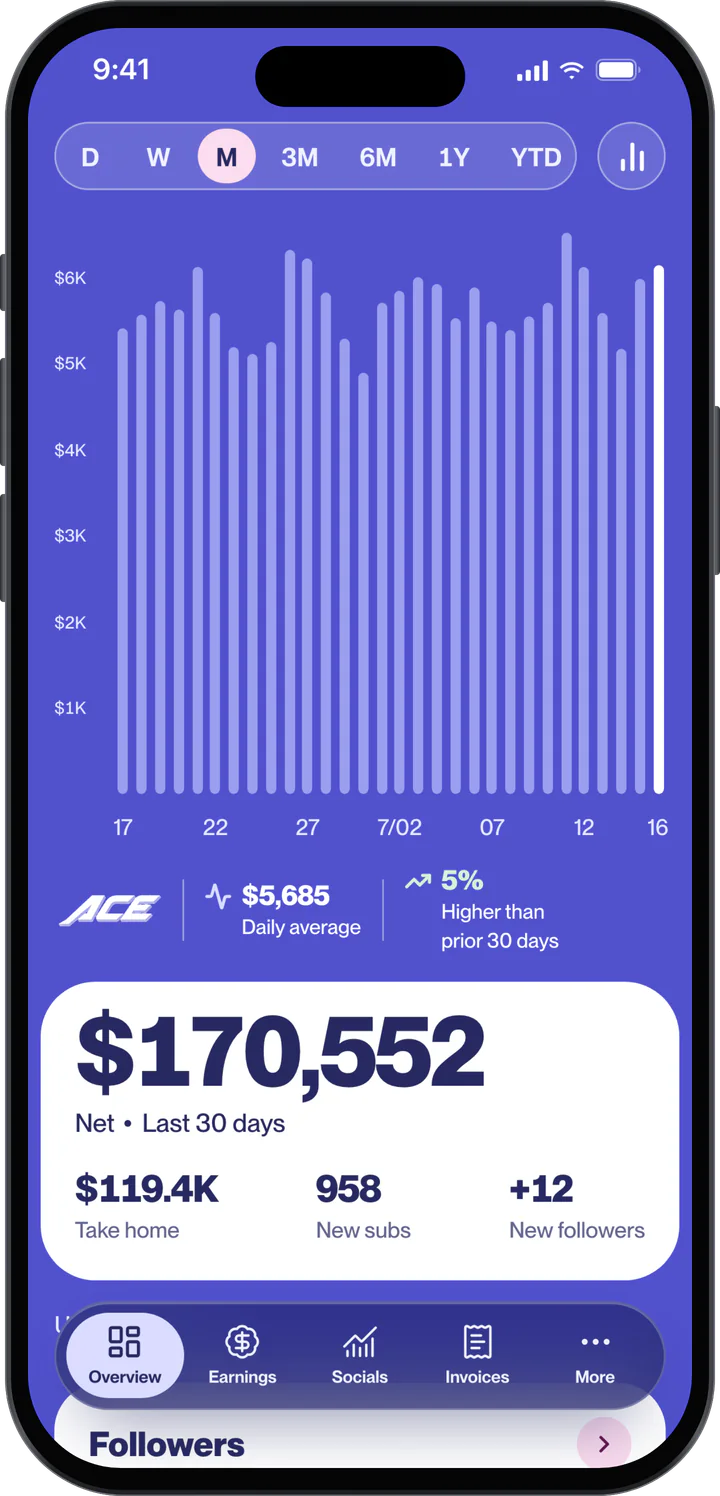
What to check before you move.
Your current contract
Read the notice period and how the agreement ends before you give notice.
Your logins
List every account the agency can access, and who holds each password and recovery email.
Your content
Confirm in writing who owns the content made while you were with them.
Your numbers
Save your reports and tracking links so you have a record of what was working.
What moving to Ace looks like.
- 1
Apply
Name, email and phone. Tell us you're with an agency today.
- 2
Finish the checklist
In the portal. Progress saves as you go.
- 3
Get a decision
With the reason, within 24 to 48 hours.
- 4
Sign and go live
Sign the contract in the portal.
What happens to your accounts and logins.
Your accounts stay yours. You keep ownership of your accounts and content, as set out in your agreement.
When your old agreement ends, change your passwords and remove the old agency's access. Access for the Ace team is set up with you after you sign.
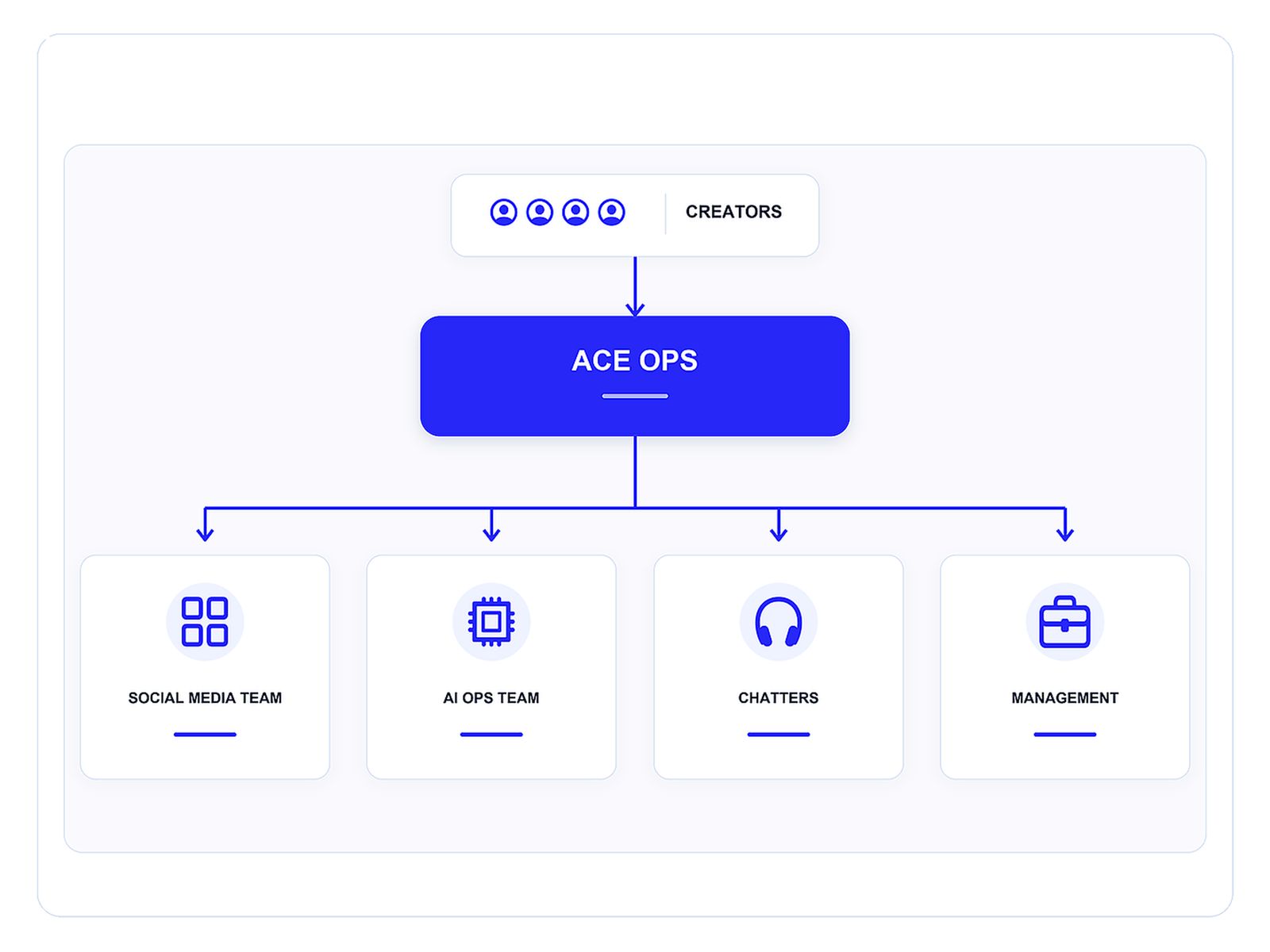
What changes with Ace.
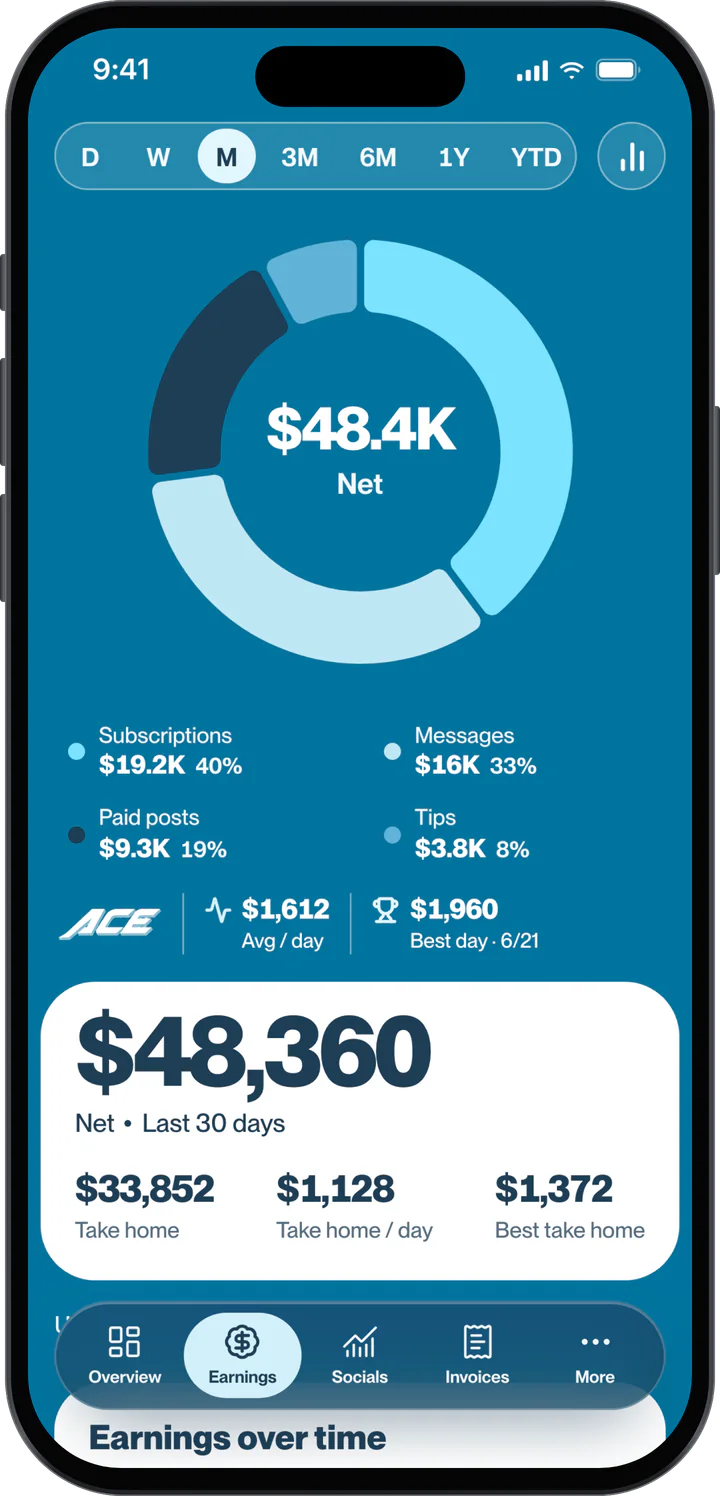
One team runs your marketing on six platforms and your chatting, and the Ace app shows you the numbers.
Questions.
Can I apply to Ace while I'm still with another agency?
Yes. Applying doesn't commit you to anything. Check what your current agreement says about notice before you sign a new one.
Will I lose my accounts if I switch?
Your accounts stay yours. You keep ownership of your accounts and content, as set out in your agreement.
How long does switching take?
It depends on the notice period in your current agreement. Ace gives a decision within 24 to 48 hours of the finished checklist.
Does Ace guarantee earnings or growth?
No. Results vary by creator, audience, platform and content. Applying does not create an earnings or performance guarantee.
Apply in minutes.
Applying does not guarantee acceptance, earnings, or growth.
Apply